Logging in to your website
Last updated: May 12, 2026
To access your Avenue website dashboard, visit avenuehq.com and select Client Login in the top navigation or visit my.avenuehq.com. You can sign in using your Google account or your registered email address and password.
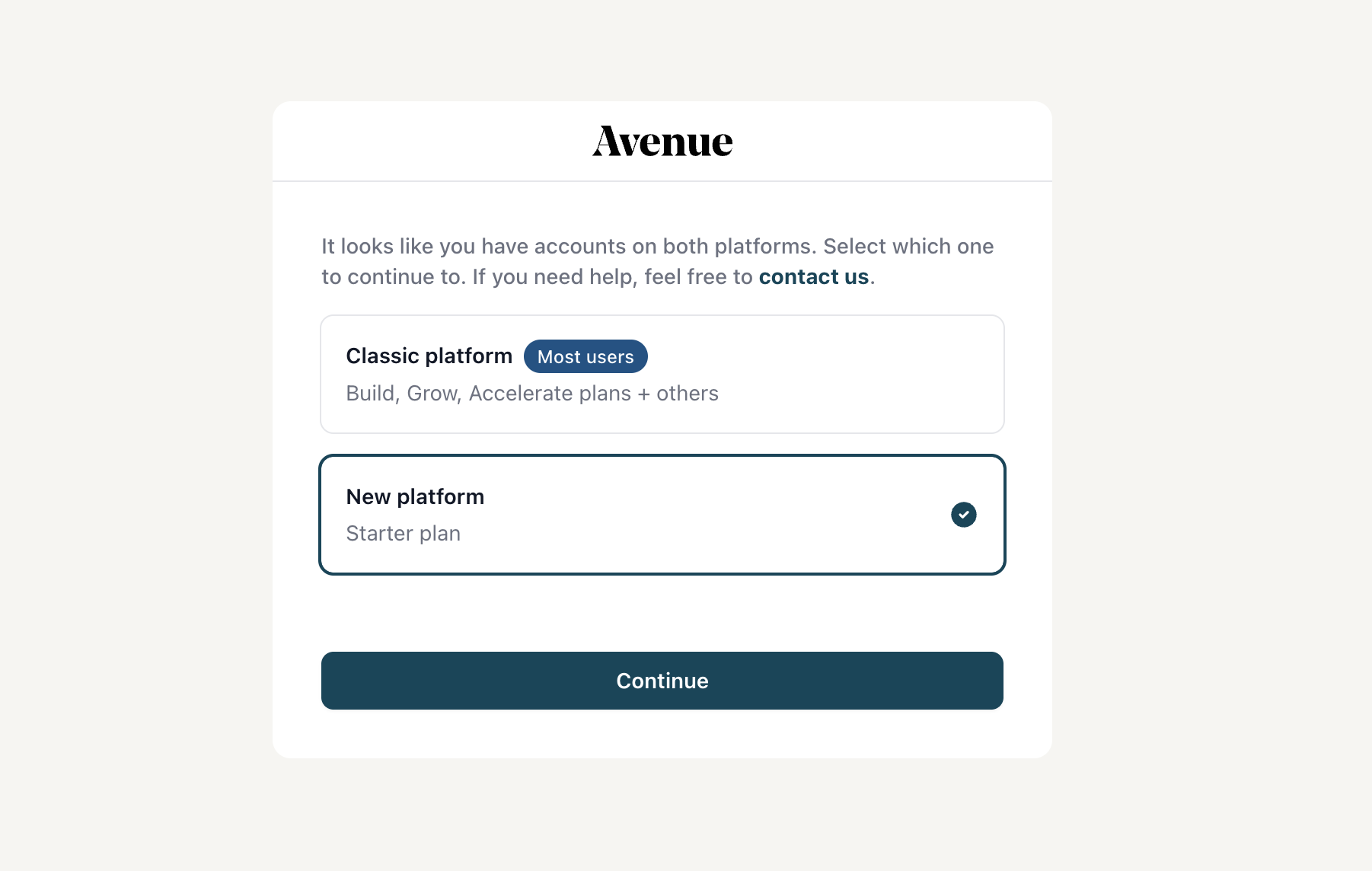
After signing in, you'll be prompted to select your platform, either the Classic or New platform based on your current plan. Once selected, you'll land in your Avenue dashboard and be ready to manage your site.